

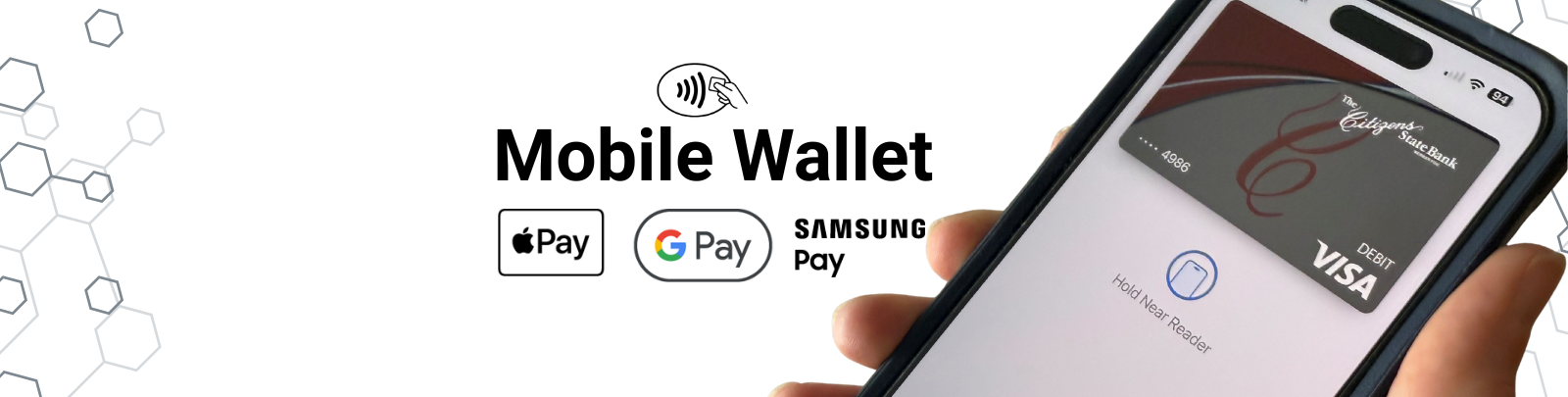
Mobile Wallet
Now Available!
Add your Citizens State Bank debit card to your device’s mobile wallet, secure and private checkout to your Apple Pay, Samsung Pay or Google Pay wallet. This secure technology allows you to pay in-store, in-app and online at millions of merchants worldwide with your enabled device.
Mobile Wallet transactions don’t use your card number, providing an additional layer of security with each transaction.
Apple Pay
Apple Pay is built into your compatible Apple device.
Add your CSB debit card to your Apple Pay wallet and set it as your default card in the settings menu.
Use Apple Pay within apps or by holding your device near a contactless reader bearing the contactless icon.
Google Pay
Download Google Pay to your compatible device.
Add your CSB debit card to your Google Pay app.
Use Google Pay within apps or by holding your device near a contactless reader bearing the contactless icon.
Samsung Pay
Samsung Pay may already be built into your Samsung device. If not, download the Samsung Pay app to your compatible device.
Add your CSB debit card to your Samsung Pay app.
Use Samsung Pay within apps or by holding your device near a contactless reader bearing the contactless icon.


